


I bought a lot of products that were supposed to work on Android but didn't, but this product definitely works well. As soon as I put it on the wireless charger, it connected immediately.
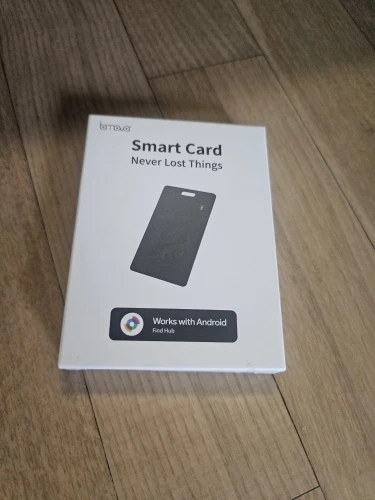
Everything works as expected. the sound is not so loud, but ok for the price
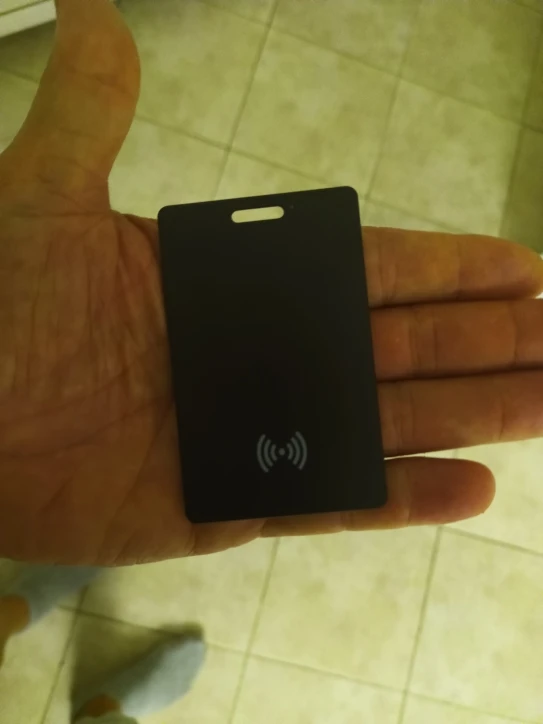
Very nice product exactly as per product description.very nice product exactly as per product description. very nice product exactly as per product description
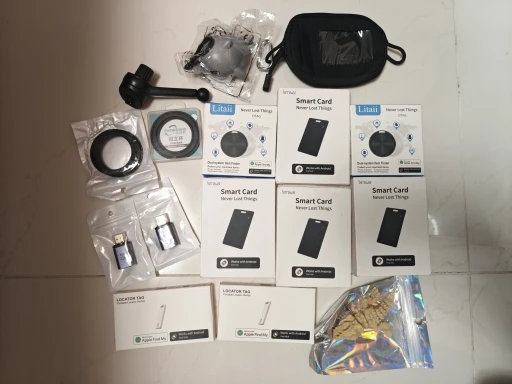
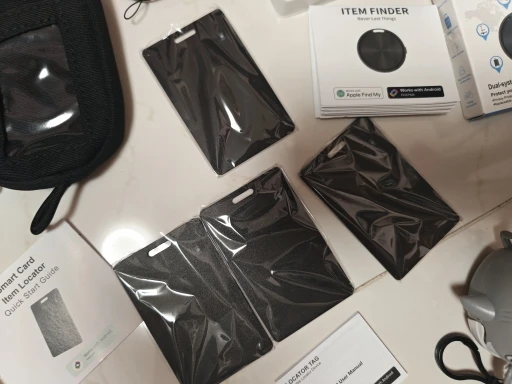
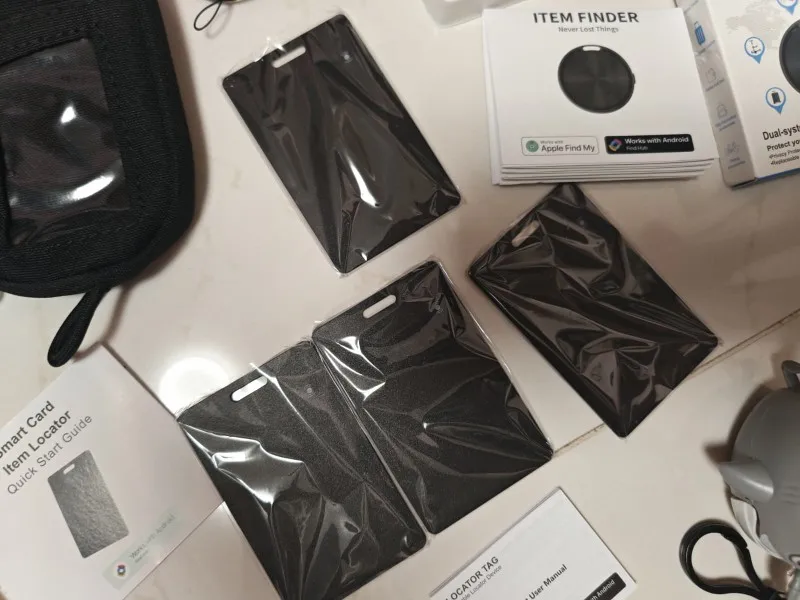
Paired to mobile and is shown well on map in real time. anazing!!!
This works great but on my motorola does not connect connects on redmi 7 pro connects on the samsung galaxy 24 but not on motorola g54 avon went to permissions nothing still worked will review in the future find out why doesn't work on the motorola there are avon downloaded find hub google
See,s to work so far
The product has arrived safely, thank you.
Easy to use, just read the manual. paired easily with android 10 and find hub. slim enough to fit easily into my ridge wallet, like 2-2.5 credit cards.
As described!!
Very thin. looks like a normal card. i would recommend
Android Smart Tracker Card Waterproof– Rechargeable Air Tag for Google Find My Device (Not for IOS/Huawei), Wireless Charging
Android Smart Tracker Card Waterproof– Rechargeable Air Tag for Google Find My Device (Not for IOS/Huawei), Wireless Charging
Very good
Android Smart Tracker Card Waterproof– Rechargeable Air Tag for Google Find My Device (Not for IOS/Huawei), Wireless Charging
Works great... 1. Charge lining up the charge image over wireless charger until the red light goes on. Once charged the light will turn off. 2. switch on by pressing power button. 3. I got mine to connect by pressing twice and you hear a small blip beep. Let it go for a minute and your phone should also pick it up.